Contact Us - support@bidsoflo.com
Follow us on FACEBOOK
********************IMPORTANT – PLEASE READ*********************
Soflo Bidders,
We are welcoming month of May with IMPORTANT CHANGES
***Effective May 1st 2026;
***Auction Closing Days – TUESDAY, WEDNESDAY and THURSDAY
***REMOVAL DAYS: FRIDAY from 12-6 and SATURDAY 12-5 ONLY
***Soflo Warehouse will be CLOSED to the public on SUNDAYS and MONDAYS
– All Invoice Payments will be processed at auction close.
– Please Note: Pickup Stickers will be removed 15 minutes prior to closing and no one arriving after this time will be served.
***Please remember to confirm removal days and times on auction Highlights and on your invoices.
***Any special pickup requests need to be submitted and accepted through support@bidsoflo.com
____________________________________________________________________________________________________________________________________________
 Auctions
/
Soflo Ama Prime - Gatto WMF03b0426 - 0402-
Auctions
/
Soflo Ama Prime - Gatto WMF03b0426 - 0402-
Starts
: Apr 26, 2026 12:09 AM
Ends
: Apr 30, 2026 09:03 PM

100 Items
- Ends: Thursday
04/30 2026 at 10:00pm EST
- Preview: Thursday 04/30 2026 from 12pm - 4pm
- Removal: FRIDAY
05/01/2026 from 12pm – 6pm & Sat 05/02/26 from
12pm - 5pm ONLY
- Location: SoFlo Liquidations at 9531
Colerain Ave. Cincinnati, OH 45251(Macy’s Building)
Highlights:
How to Bid
Bidding with Soflo doesn’t need to be difficult:
- Please read the TERMS and DETAILS on
our website and make sure you understand them before pacing any bid(s).
1. Proceed to the registration page and provide all the
accurate information:
-email address
-name
-billing address (has to match the
credit card info you are registering with)
-phone number
-credit card information
-Please choose your own PASSWORD in
the beginning and REMEMBER it.
*** Once you have completed the
registration form, you will automatically receive an email with your BIDDER
NUMBER. This BIDDER NUMBER will be your permanent bidder number for all of our
auctions on our website; you DO NOT have to register for every single auction.
*** You can use your e-mail address to
substitute your bidder number
2. When on our HOME page Click on the big blue box [ENTER
AUCTIONS]. You will see all of our auctions. Each auction has its own TERMS
and DETAILS. Important information are to include:
-time and date the auction ends
-times for PREVIEW and REMOVAL
-Soflo HIGHLY RECOMENDS that all of our customers utilize the
PREVIEW in order to physically check the item(s) you would like to bid on and
its condition. In case you are already the higher bidder for an item and after
PREVIEW decide you do not like it, immediately contact us at
support@bidsoflo.com, so we will delete your bid(s) before the start of the
auction closing.
3. From the Auction Page, click Login/Register
on the upper right hand corner. Next Click the blue button [VIEW
ITEMS] of the desired auction
***The Pop-Up Window will
open with the Terms and Details of the auction, Read the Terms and Details by
Scrolling Down to check the Check Box – [v] – I have read the Terms &
Conditions agreement, click [Accept & Continue] ***
-Choose item you want to bid on, the next bid required will be shown in
the blue box [BID NOW]
-Click the Blue Box – [BID NOW]
- A Pop up window will open where you enter the required bid and/or max
bid
-Once you are satisfied with your entries click [PLACE BID]
-“Your BID” – you can place any bid you would like that is higher or at
least equal to
the required bid
-“Your MAX BID” – you can place the maximum amount for an item you are
willing to
pay. Your MAX BID amount will not be visible to any bidders bidding. “MAX BID”
is
optional, you can leave it blank if you would like.
*** Reminder*** - Once you’ve clicked submit you are
agreeing with the terms of the auction and you are willing to pay and pick up
for all of the items that have the winning bid.
Bid Notification: RED [BID NOW]
– you have been outbid
GREEN [BID NOW] – you are the winning
the bid
BLUE [BID NOW] – item
you have not placed bid for
!!!HAPPY BIDDING!!!
-“WATCH LIST/DASHBOARD” – The Watch list can be utilized
to extract items of interest from each auctions. To build your own Watch
List simply click on the star of each item you would like to add to your Watch
List.
Any items you place a bid on
automatically will be placed to your Watch List. You may filter your
items by clicking on the drop down menu of your bidder number/user on the top
right hand corner and select “VIEW WATCHLIST”. Click the [FILTER] icon
button on the upper right hand side in the header. A window from the right will
open with options “All active” “Ended” ”Ending soon” and click [APPLY] –
this will automatically display all of the Watch List items for the
selected parameters.
-“WRONG BID” – Example: Placing a $100.00 bid when
trying to place a$10.00 bid, immediately contact us via email to support@bidsoflo.com with your bidder number, name of the auction, when and
what time the auction ends, so we may address it as soon as possible.
-“OUTBID” – If you have been outbid for an item(s)
you will automatically receive an email confirmation of what item(s) you have
been outbid on, or the Button of the item will be in RED
*** - auto email notifications stop being generated day of
sale.
-“INVOICE” – After the auction close you will
receive an email, you must log in with your Bidder number and Password. Click
on the Bidder Profile, will open a Basic Information, click on the Invoices
tab and it will display all of the invoice/s confirmation of the item(s) you
have won along with location and time of removal.
-“Buyer’s Premium” – The buyer’s premium (unless
otherwise stated in the terms of an auction) is 19% and added on your bid
total. Example: if your bid total is $100.00 you will be charged $119.00
-“Sales Taxes” – Sales Tax of 7.8% (per Hamilton
County, OH) will be add to the purchase unless tax exempt. Any tax exempt forms
must be submitted along with the bidder number and auction name to: support@bidsoflo.com prior to the start of the auction.
-“Payment” –All Invoice Payments will be processed
at auction close
We accept: Visa, MasterCard,
AMEX and Discover.
Personal/Business checks are not
accepted. PRINTED INVOICE with valid ID (upon request)are the ONLY
ways to obtain items. If you do not receive your invoice of your winning items
or have questions on payment, please contact: support@bidsoflo.com
Thank you for bidding with us!
-SoFlo Support Team
THIS IS AN INTERNET
ONLY AUCTION.
Terms of Auction:
***Auction closing
date: This Auction Closes
Thursday 04/30 at 10:00pm EST. The bidding closes the first 5 items at 10:00pm
EST then closes 5 items per minute thereafter to the last item in catalog
order.
***Shipping may be available on case by case
bases. For shipping questions, please email your request and full invoice/s
number to support@bidsoflo.com
***Please note: items are sold AS IS - Where IS with
no warranty and cannot be guaranteed. WE DO NOT OPEN BOXES TO CHECK
WHAT IS INSIDE. Descriptions are provided from the barcode/UPC of the
box/s.
***Please use
PREVIEW in person when determining your bids. All sales are FINAL, no exchanges
or refunds will be issued for incomplete or damaged merchandise.
***Pickup/Removal: Printed Invoice Copy with valid
Driver’s License, upon request, and payment are the ONLY ways to obtain items. All
items must be picked up on the scheduled removal dates. Any items not
picked up within this time frame or without other arrangements with
support@bidsoflo.com will be considered abandoned. No refunds will be issued
for noncompliance of removal dates.
***Effective May 1st 2026 Removal Days
- Friday and Saturday ONLY. - Pickup Stickers will be removed 15 minutes prior to closing
and no one arriving after this time will be served
***Effective August
1st 2024 ***any and all item pickups after the scheduled removal time, if
serviced, will be subject to a $20 dollars per invoice storage/late pickup fee
***Any item signed
for and left behind past the dedicated removal days will be subject to a $20
per item storage/hold fee
This is an ONLINE
ONLY AUCTION! PLEASE DO NOT BID IF YOU ARE NOT ABLE TO PICK UP YOUR ITEMS
DURING THE SCHEDULED REMOVAL TIMES. NO REFUNDS WILL BE GRANTED DUE A MISSED
REMOVAL AT THE DESIGNATED TIMES. After the scheduled removal, items will be
considered abandoned and/or your bidding privileges may be suspended.
***Please bring proper vehicle for your items and help to load, if
needed.***
Help loading of
forklift items will be provided - we will secure no loads.
***BUYERS PREMIUM: A 19% buyer’s premium will be added
to each purchase. If you bid $100.00, upon winning of said item you will be
charged $119.00.
***SALES TAX: Ohio Sales Tax (Hamilton County –
7.8%) will be added to the invoice total.
***HANDLING FEE:
Effective January 1st 2026 there will be a $1.99 per item Handling
Fee added to each invoice. This will appear as a Fee at the bottom of each
invoice.
***PAYMENT: All Invoice Payments will be processed at auction close
Any remaining
balance after the scheduled removal will result in bidding suspension.
***Staggered
Closing: The online auction
closes 5 items per minute. This Auction will close the bidding on intervals in
accordance with the chronological lot order. 5 items per minute unless dynamic
closing takes precedence and the extension of time governs close.
***Dynamic Closing: The closing time of an asset is
automatically extended an additional 3 minutes whenever a bid is placed within
the last 3 minutes of the asset's closing time and will continue until no
winning bid has been registered in a period.
Bid Notification:
RED – you have been outbid
GREEN – you are the winning the bid
BLUE – item you have not placed bid
for
***REMEMBER: YOU ARE
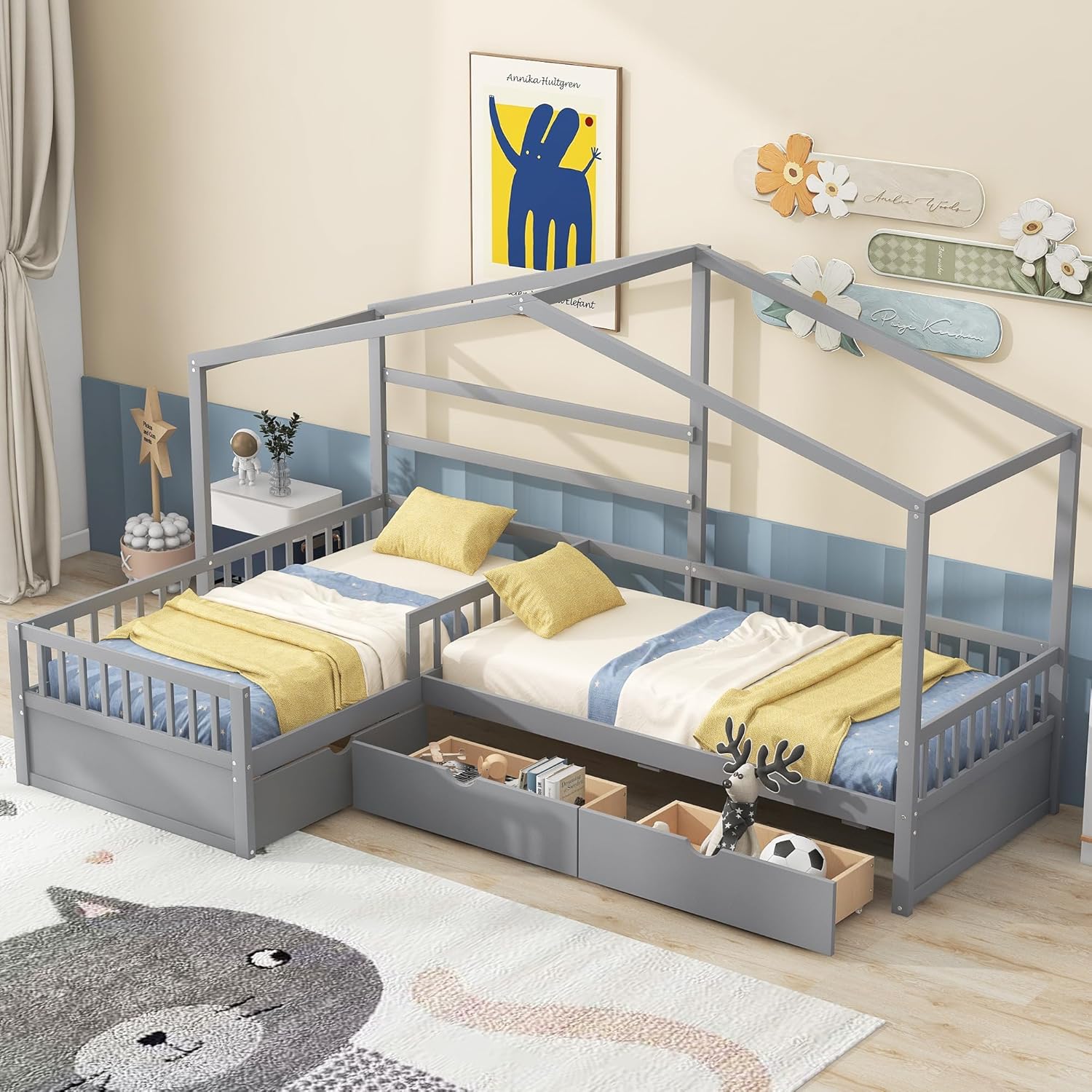
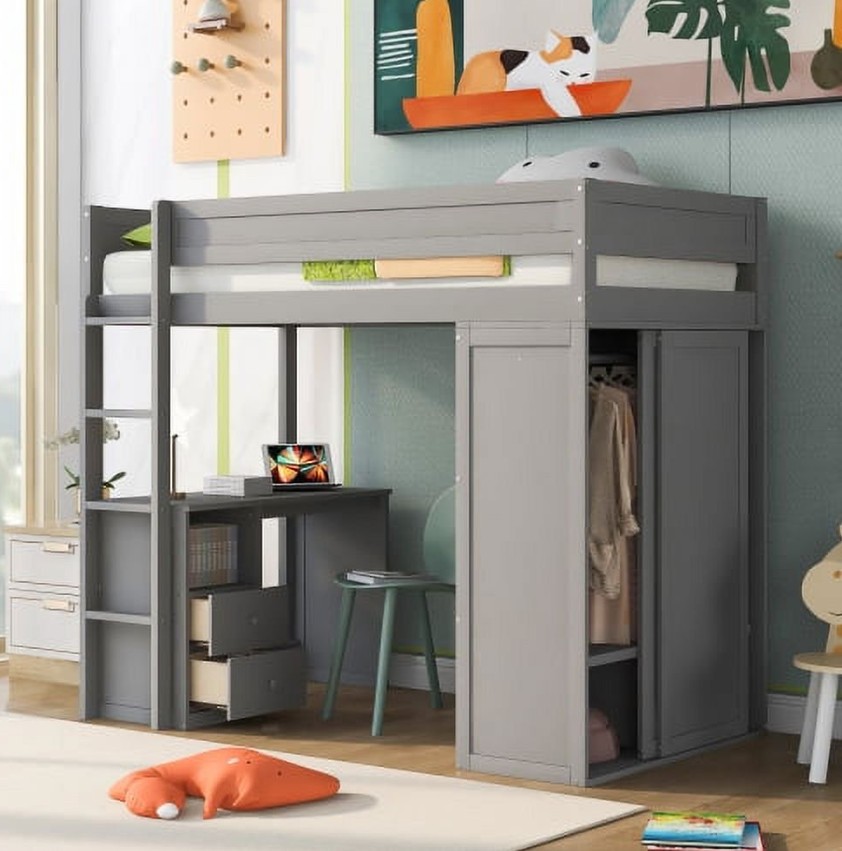
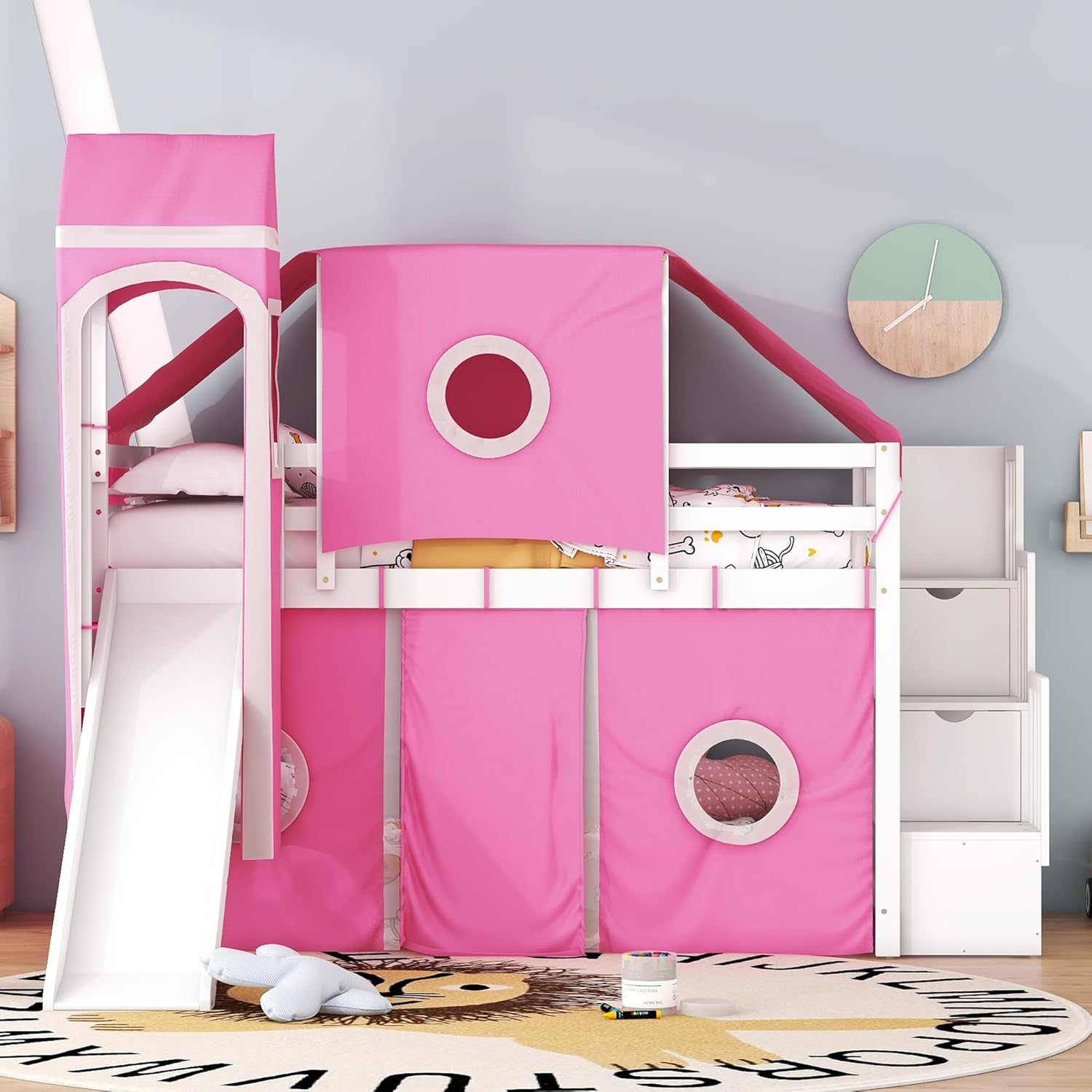
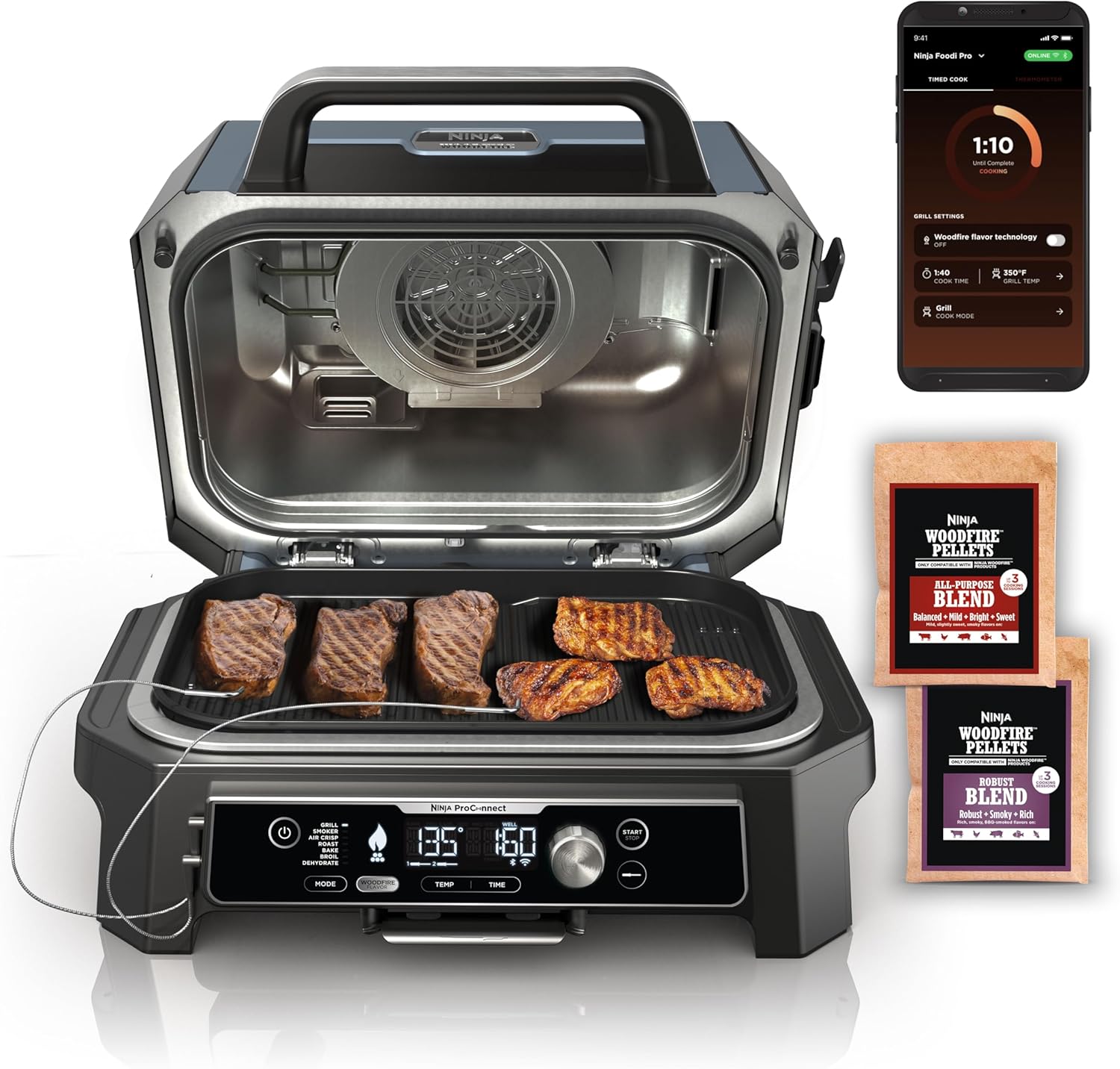
BIDDING FOR THE ITEM DESCRIPTION NOT FOR THE PICTURE – THE PICTURES ARE
COURTESY
All of the customers
must be 18+ years old.